Shader Development
Throughout my project, I experimented slightly with shaders. I have no prior knowledge / experience using Unity's built-in shader graph feature, so I thought that it would be a nice introduction to doing so.
Cel-Shading
Outline—Initial Testing
I was going to experiment with a cel-shaded look in my project, as a way to compensate for the low-mid poly environment and character models, and to give the scene a further sense of personality. In doing so, I created this shader:
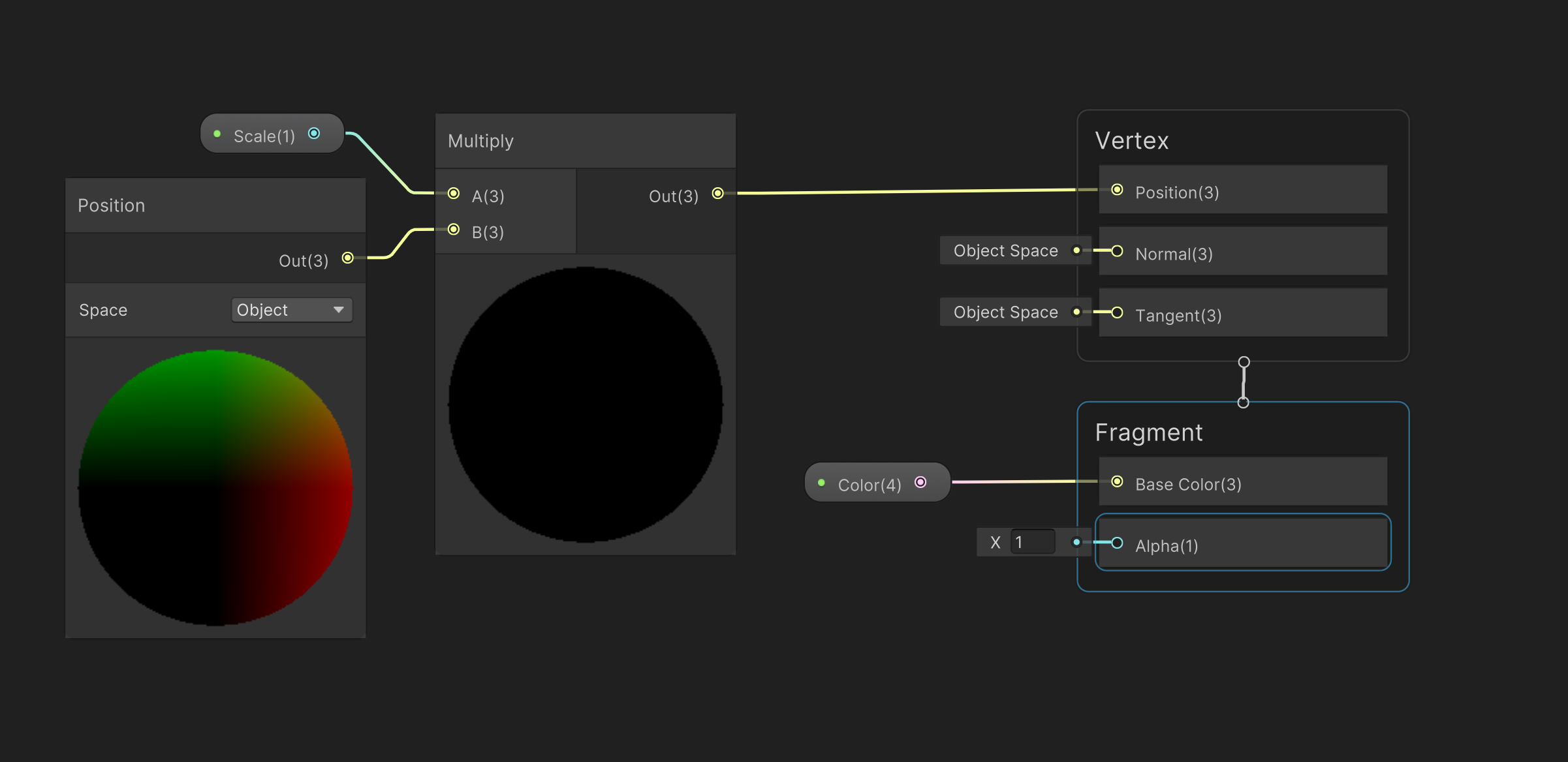
Which resulted in once the material being applied, looked like this:
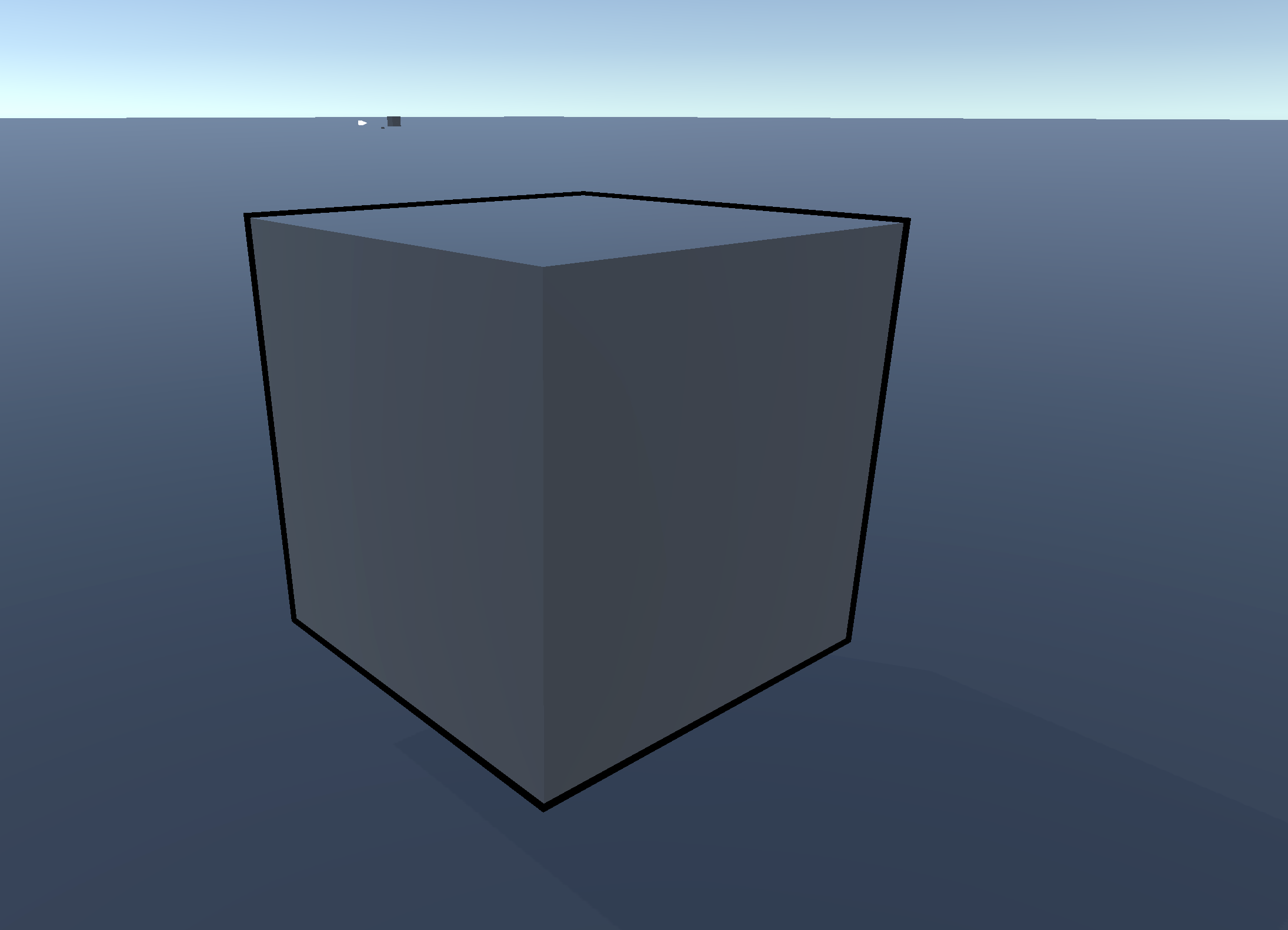
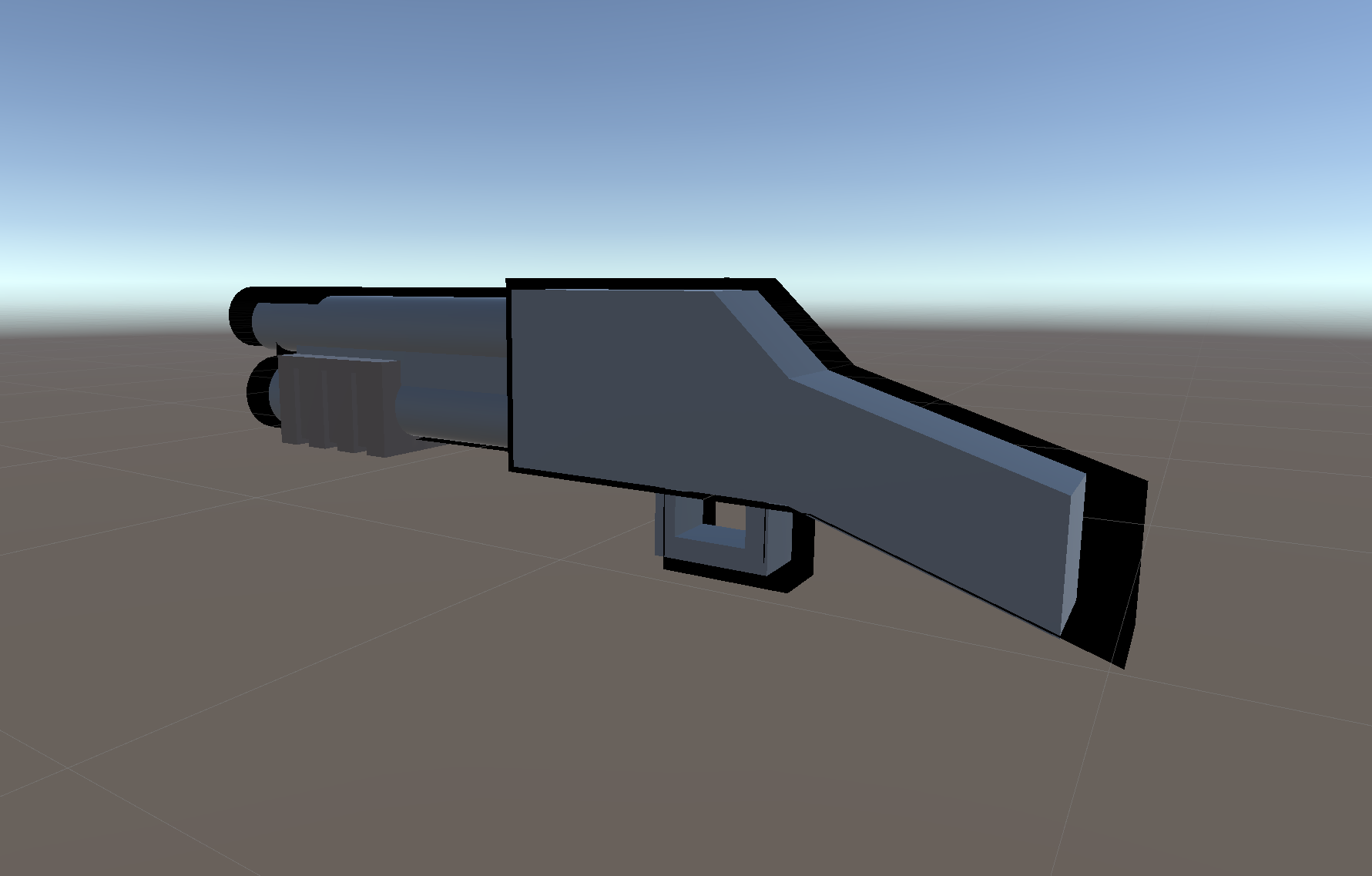
This initially looked pretty good, however, once being applied to more convex shapes issues would appear:
Outline - Conclusion
Due to these issues and my lack of knowledge regarding Unity Shaders (both in HLSL and via Shader Graph), I scrapped this idea early on. The amount of time I would have eventually spent on this was used to further develop my mechanic concepts.
Portal
Portal—Initial Testing
I had the plan to make a portal shader, to simulate a portal appearing throughout my game scenes, as a signifier to the end of each level / scene. Following this tutorial on YouTube, I ended up making this shader via shader graph, with the result looking like this:
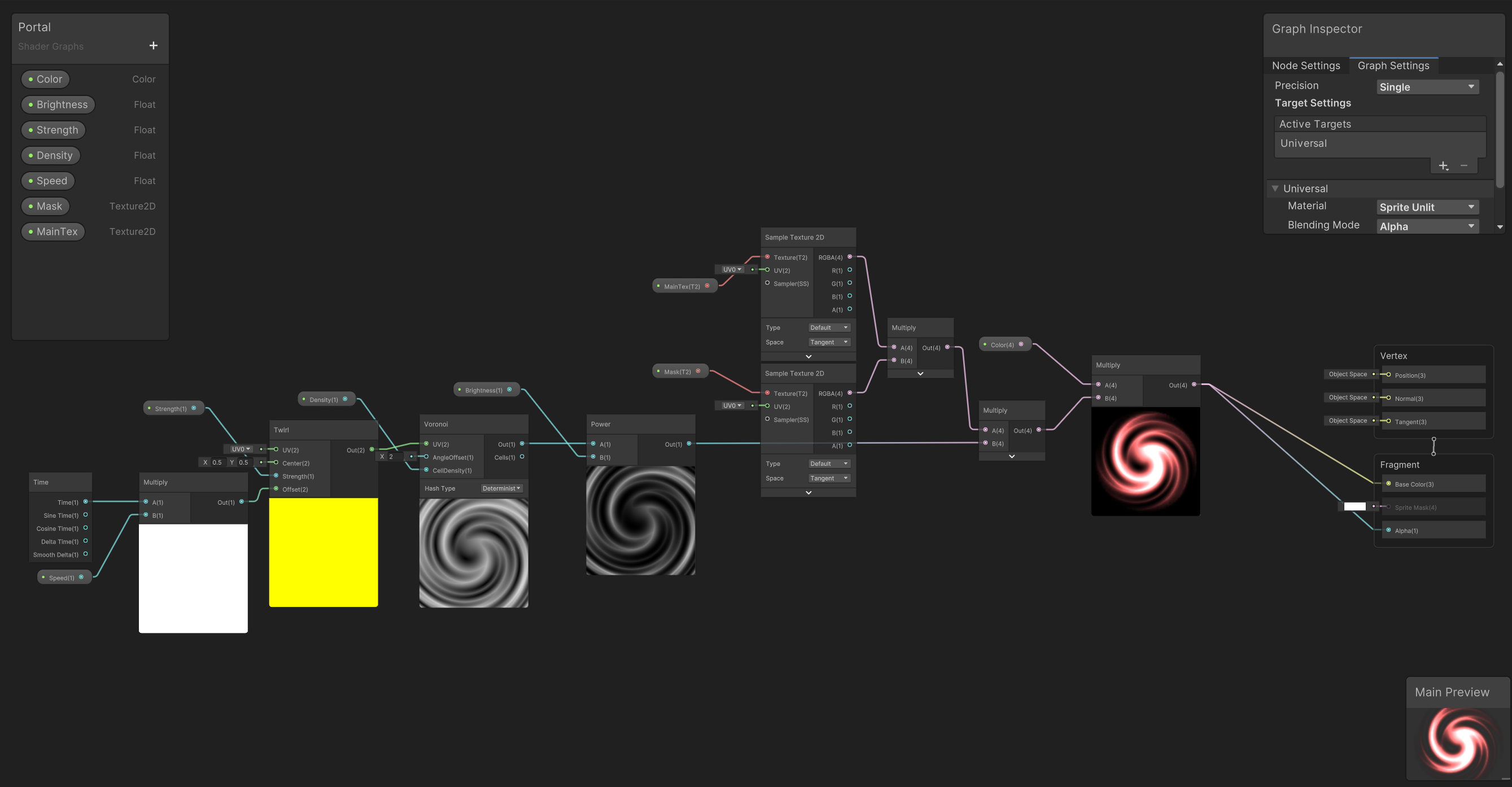
Once applying this material to a sprite renderer within my scene, the end result looked like this:
Portal—Conclusion
This shader was definitely worth learning how to make, and was a nice further introduction to Unity's Shader Graph system.